


Description
Download lockscreen fingerprint lock real APK – fingerprint lock, personalization tool, free wallpaper app, device customization
Overview
lockscreen fingerprint lock real is a free desktop application developed by Igor Markingn, designed to enhance device personalization through visual customization and biometric lock functionality. The software aims to provide users with a simple way to apply curated wallpapers to their lock screen or home screen, offering a range of visually distinct backgrounds from minimalist designs to futuristic themes. While the app emphasizes its fingerprint lock feature, this functionality is only available on devices with compatible fingerprint sensors. The developer did not provide additional details about the target audience beyond general users seeking device customization. Real-world usage scenarios include users who want to quickly change their device’s appearance or experiment with different visual styles without relying on system-level settings. The application’s primary focus lies in visual personalization, with the fingerprint lock feature serving as a supplementary option. However, users are advised that most modern devices allow fingerprint authentication through built-in system settings, making third-party implementations potentially redundant.
Key Features & Capabilities
- Fingerprint Lock Integration – Enables users to set up fingerprint authentication for unlocking their device, provided the hardware supports it. This feature is intended for users who prefer managing biometric access through a third-party interface.
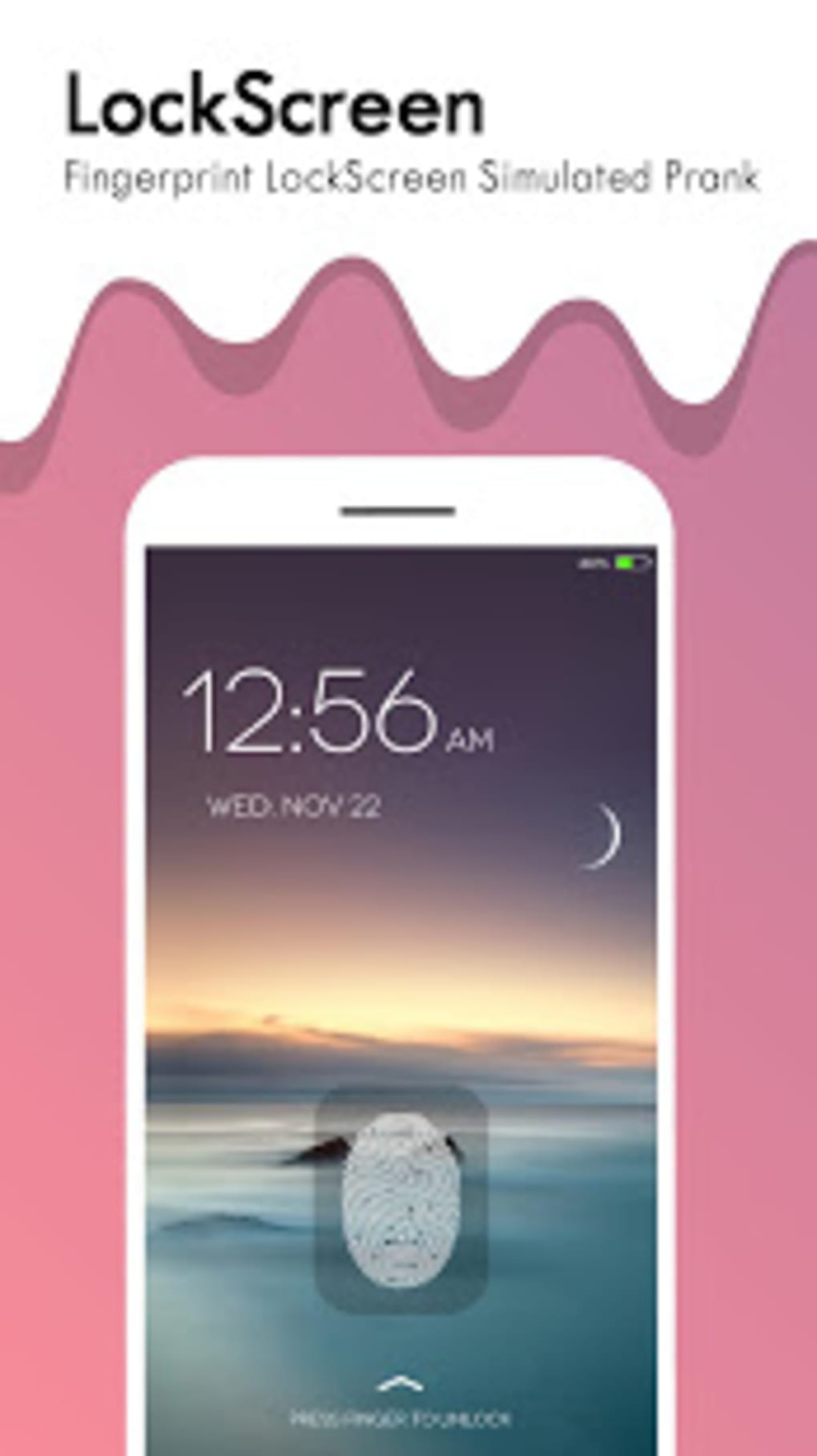
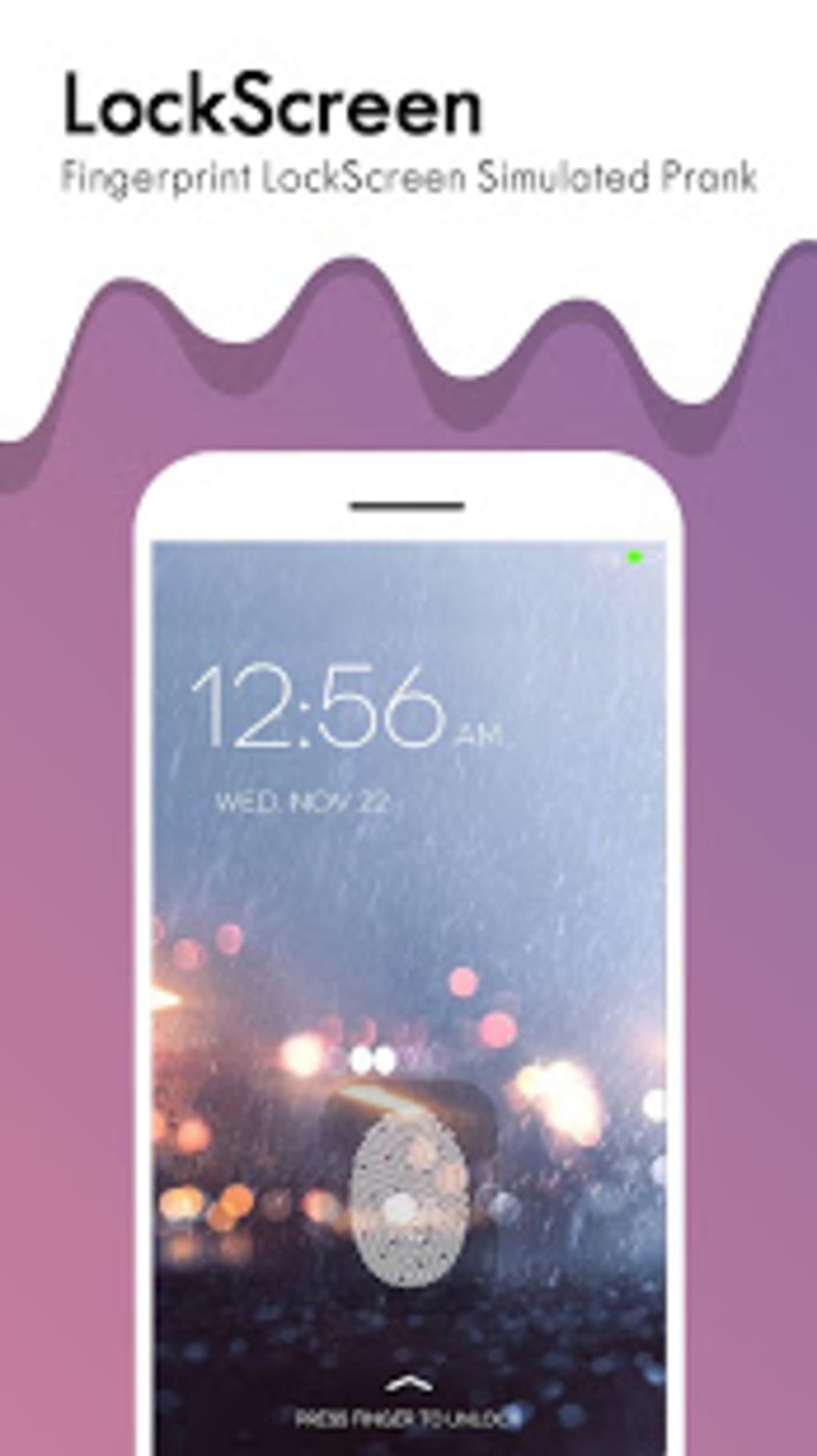
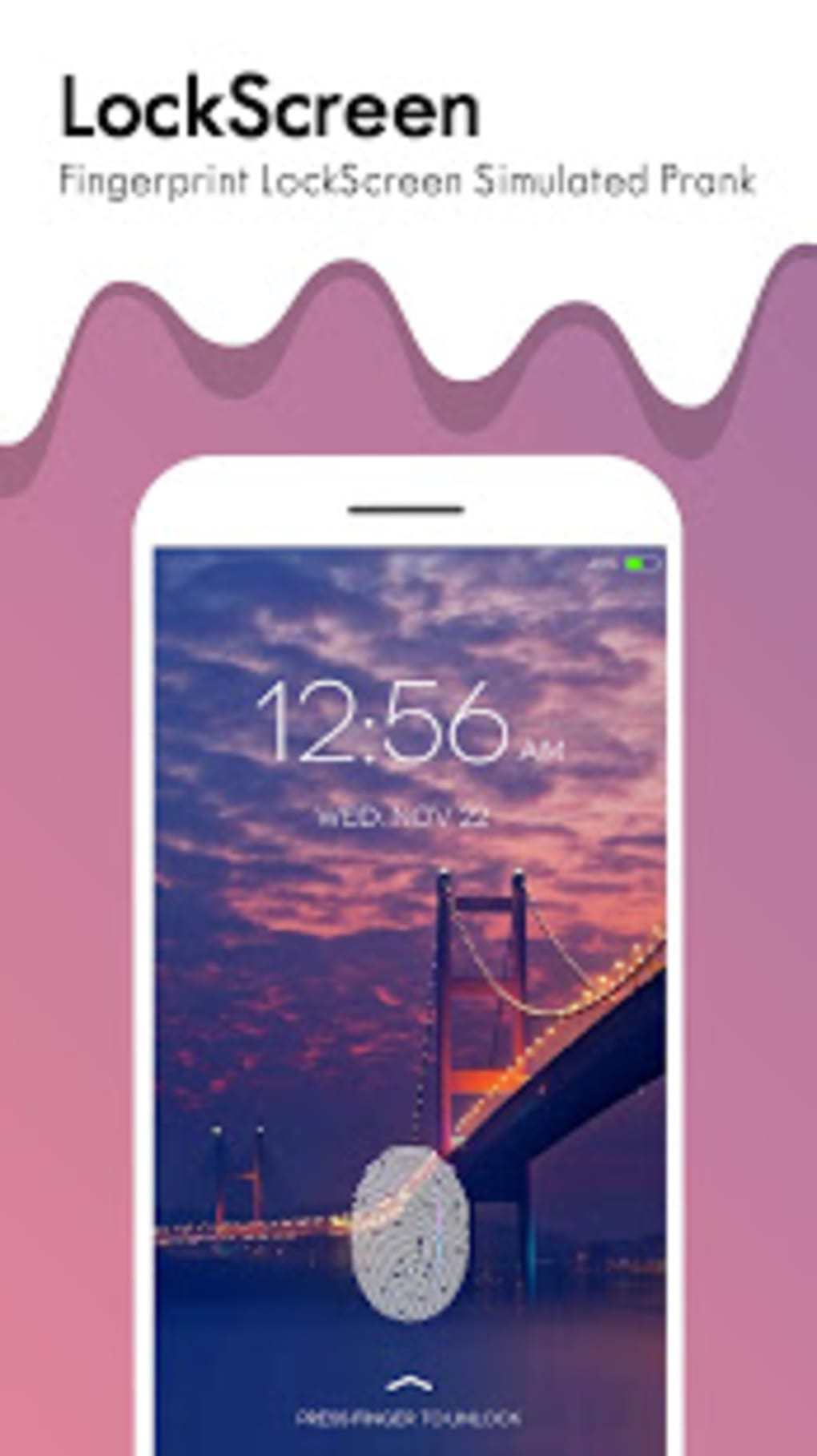
- Wallpaper Library – Offers a curated collection of static wallpapers, including sleek, minimalist, and futuristic designs, allowing users to personalize their lock screen and home screen.
- One-Tap Wallpaper Application – Simplifies the process of applying selected wallpapers by allowing users to click a button, after which the software automatically applies the chosen image.
- Simple User Interface – Features an intuitive layout designed for easy navigation, enabling users to browse and select wallpapers without technical complexity.
- Free Personalization Tool – Provides access to a range of visual themes without requiring in-app purchases or subscription fees.
These features are best suited for users who enjoy visual customization and are interested in exploring alternative methods for managing device locks. The fingerprint lock function may appeal to those who wish to use a dedicated interface for biometric access, though it is not essential given that most devices support this through native settings. The wallpaper selection is limited to static images, with no support for live wallpapers or dynamic icon packs. The workflow remains straightforward: select a wallpaper, apply it with one click, and the change takes effect immediately.
User Interface, Workflow & Performance
The user interface of lockscreen fingerprint lock real is designed with simplicity in mind, featuring a clean layout that prioritizes ease of access to core functions. Navigation is structured around a central gallery view, where users can browse through available wallpapers using scrollable thumbnails. The interface does not include complex menus or layered settings, which contributes to a low learning curve for new users. Workflow efficiency is high for basic tasks such as selecting and applying a wallpaper, with minimal steps required to complete the process. The application responds promptly to user input, suggesting stable performance during typical use. However, exact performance details were not specified by the developer. The software does not report CPU or RAM usage behavior, nor were there any indications of lag or crashes in the available information. The developer did not specify resource usage details, so general assumptions about system impact are not supported. Stability appears to be consistent based on standard desktop application patterns, though no formal testing data was provided.
Compatibility & System Requirements
lockscreen fingerprint lock real is available as an APK file, indicating it is designed for Android-based devices. The application supports devices with fingerprint sensors, though specific hardware requirements were not listed. The developer did not provide detailed information about operating system compatibility beyond the APK format, nor were exact system requirements such as minimum RAM, processor, or storage space specified. Installation size is not available in the provided data. Platform compatibility information is limited to the Android platform, and no details were given about support for Windows, Mac, or other operating systems. Users should ensure their device meets the general requirements for running APK files, including enabling installation from unknown sources. The software version and release date were not included in the input, so no version-specific behavior can be assessed.
Pros and Cons
Pros
- Free to download and use without in-app purchases
- Simple, intuitive interface suitable for casual users
- Wide selection of static wallpapers with varied themes
- One-tap application of wallpapers for quick customization
- Offers fingerprint lock functionality on compatible devices
Cons
- Fingerprint lock feature is redundant on most devices with built-in settings
- Limited to static wallpapers; no live wallpaper support
- No dynamic icon or widget customization options
- Missing detailed system requirements and performance metrics
- Basic feature set compared to other personalization tools
FAQ Section
Is lockscreen fingerprint lock real available for Windows or Mac?
The software is distributed as an APK file, which indicates it is designed for Android devices. There is no information available about versions for Windows or Mac operating systems.
Is the fingerprint lock feature secure?
The app requires special permissions to access fingerprint sensors. While it may function as intended on compatible devices, the security of the implementation depends on the underlying Android system and hardware. No independent security audit was provided.
Does the app require internet access?
There is no information available about internet connectivity needs. The app may function offline, but this cannot be confirmed based on the provided data.
Can I use this app without a fingerprint sensor?
The fingerprint lock feature is only available on devices with supported fingerprint hardware. The app can still be used for wallpaper customization without a fingerprint sensor.
Is the software free to use?
Yes, lockscreen fingerprint lock real is offered as a free personalization tool with no subscription or in-app purchase requirements.
Final Thoughts + CTA
lockscreen fingerprint lock real delivers a basic but functional experience for users seeking visual customization of their Android device. While the fingerprint lock feature may appeal to some, it is largely redundant given that most devices allow biometric authentication through native settings. The real value lies in the curated collection of static wallpapers, which can be applied with minimal effort. However, the app’s feature set remains limited, lacking support for live wallpapers, dynamic icons, or advanced customization tools. For users who prioritize simplicity and quick access to themed backgrounds, it serves as a lightweight option. However, those seeking a more comprehensive personalization experience should consider alternative applications with broader functionality. Overall, the app is best suited for casual users who enjoy experimenting with device aesthetics and are not concerned with advanced features. Download lockscreen fingerprint lock real now to enhance your device’s look with free, customizable wallpapers.
Guides & Tutorials for lockscreen fingerprint lock real APK
How to install lockscreen fingerprint lock real APK
- Click the Preview / Download button above.
- Once redirected, accept the terms and click Install.
- Wait for the lockscreen fingerprint lock real APK download to finish on your device.
How to use lockscreen fingerprint lock real APK
This software is primarily used for its core features described above. Open the app after installation to explore its capabilities.
User Reviews for lockscreen fingerprint lock real APK 0
No reviews found





